Dr. Web LiveCD v6.0.0
Freeware
Vista / Win10 / Win2k / Win7 / Win8 / WinXP
Vista / Win10 / Win2k / Win7 / Win8 / WinXP
Dr. Web LiveCD is a Emergency System Recovery Disk - If your Windows or Linux system has been rendered non-bootable by malware, restore it for FREE with Dr.Web LiveCD!
Dr.Web LiveCD will clean your computer of infected and suspicious files, help you copy important information to a removable data storage device or another computer, and then attempt to cure infected objects.
How does it work?
Dr.Web LiveCD will clean your computer of infected and suspicious files, help you copy important information to a removable data storage device or another computer, and then attempt to cure infected objects.
How does it work?
- Download the image.
- Burn the image onto a CD/DVD. Users of Nero Burning ROM should proceed as follows:
- Insert a blank CD/DVD into your CD/DVD recorder
- Click on the “File” menu and select “Open”
- Browse through folders to the image location and select it
- Press the “Burn” button, and wait while the image is being written to the disk
- Insert a blank CD/DVD into your CD/DVD recorder
- Make sure that the CD/DVD drive or any other device with Dr.Web LiveCD is set as the first-boot device. Adjust corresponding BIOS settings, if necessary.
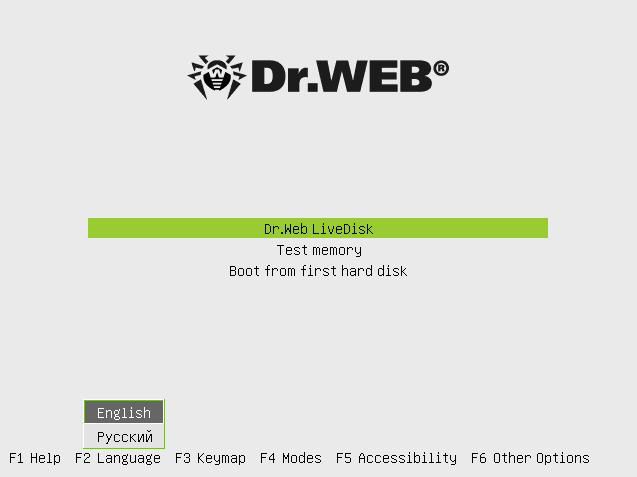
- As loading starts, a dialogue window will prompt you to choose between the standard and safe modes.
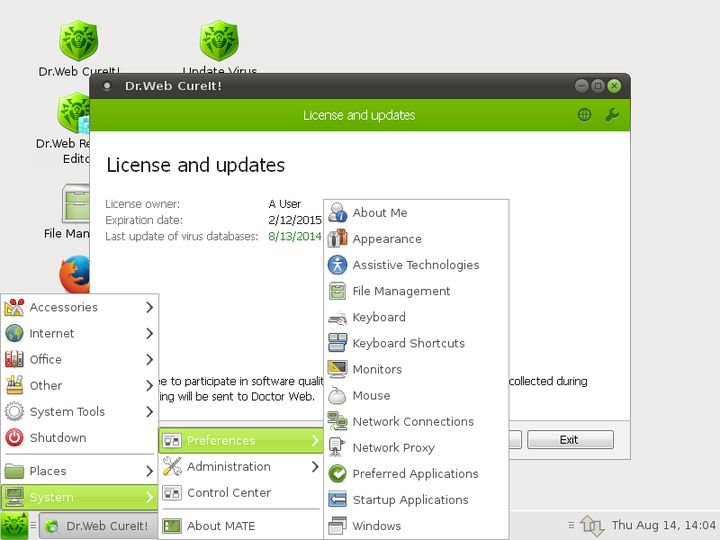
Screenshots:
Other editions:
HTML code for linking to this page:
Keywords:
dr web
livecd
emergency
system
recovery
disk
malware
License type
Freeware1
Author's homepage
Visit the author's site
Date added
23 Oct 2015
Downloads
1,275
File size
190.91 MB
(< 26min @ 1Mbps)
Supported languages
English
Operating systems
Vista / Win10 / Win2k / Win7 / Win8 / WinXP1
1License and operating system information is based on latest version of the software.
(No user ratings yet)