
Recovery Toolbox for Outlook Express v1.9.57.97
Commercial demo
Vista / Win10 / Win7 / Win8 / WinXP
Vista / Win10 / Win7 / Win8 / WinXP
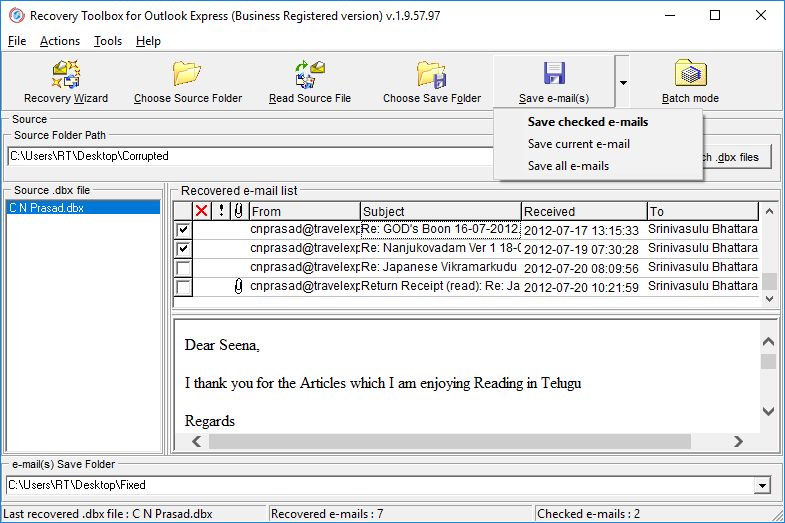
Recovery Toolbox for Outlook Express can recover lost messages from corrupted Outlook Express folders.
You simply need to provide it with a DBX file that is in need of recovery and then click the Start Recovery button. You then need to select a folder to save messages that can be recovered.
You simply need to provide it with a DBX file that is in need of recovery and then click the Start Recovery button. You then need to select a folder to save messages that can be recovered.
Screenshots:
HTML code for linking to this page:
Keywords:
recovery toolbox for outlook express
microsoft
outlook express
recovery
License type
Commercial demo1
Author's homepage
Visit the author's site
Date added
12 Apr 2019
Downloads
108
File size
3.00 MB
(<1min @ 1Mbps)
Supported languages
English
Operating systems
Vista / Win10 / Win7 / Win8 / WinXP1
1License and operating system information is based on latest version of the software.
(No user ratings yet)

