
WhoCrashed v6.60
Freeware
Vista / Win10 / Win7 / Win8 / WinXP
Vista / Win10 / Win7 / Win8 / WinXP
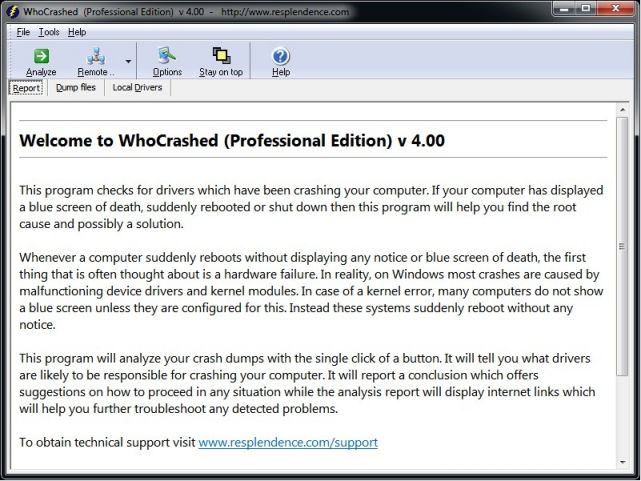
Whenever a computer running Windows suddenly reboots without displaying any notice or blue screen of death, the first thing that is often thought about is a hardware failure. In reality, most crashes are caused by malfunctioning device drivers and kernel modules. In case of a kernel error, most computers running Windows do not show a blue screen unless they are configured to do so. Instead these systems suddenly reboot without any notice.
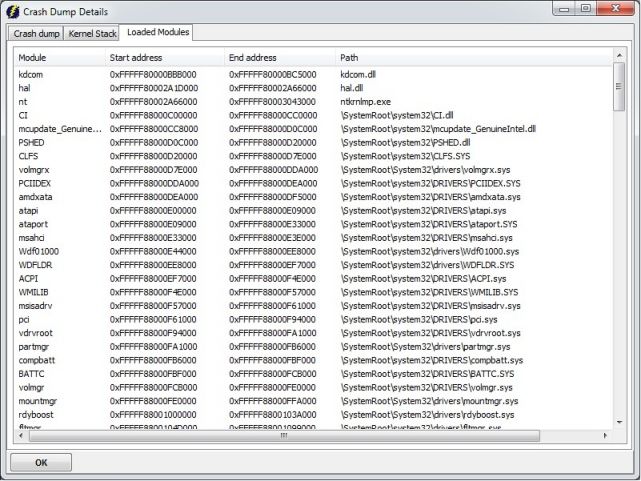
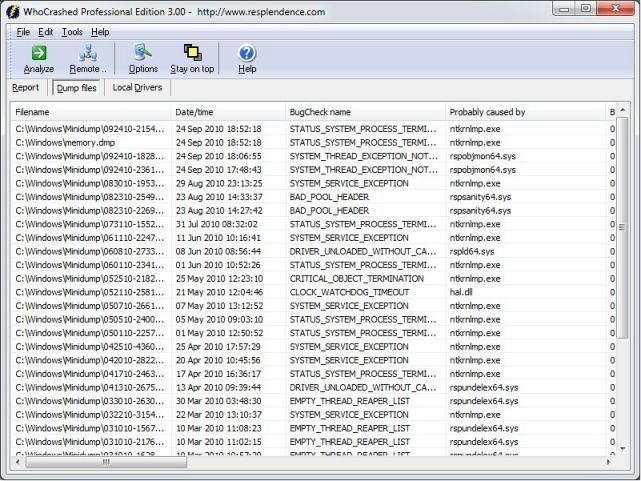
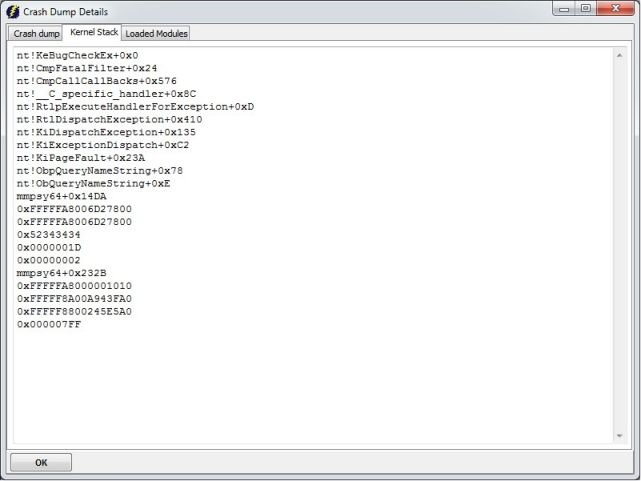
WhoCrashed shows the drivers that have been crashing your computer with a single click. In most cases it can pinpoint the offending drivers that have been causing misery on your computer system in the past. It does post-mortem crashdump analysis and presents all gathered information in a comprehensible way.
Normally, debugging skills and a set of debugging tools are required to do post-mortem crash dump analysis. By using this utility you do not need any debugging skills to be able to find out what drivers are causing trouble to your computer.
WhoCrashed shows the drivers that have been crashing your computer with a single click. In most cases it can pinpoint the offending drivers that have been causing misery on your computer system in the past. It does post-mortem crashdump analysis and presents all gathered information in a comprehensible way.
Normally, debugging skills and a set of debugging tools are required to do post-mortem crash dump analysis. By using this utility you do not need any debugging skills to be able to find out what drivers are causing trouble to your computer.
Screenshots:

HTML code for linking to this page:
Keywords:
crash
bsod
analysis
device
driver
debug
bluescreen
License type
Freeware1
Author's homepage
Visit the author's site
Date added
07 Jul 2019
Downloads
1,727
File size
8.65 MB
(1min @ 1Mbps)
Supported languages
English
Operating systems
Vista / Win10 / Win7 / Win8 / WinXP1
1License and operating system information is based on latest version of the software.
07 Jul 2019WhoCrashed v6.65(Latest stable version)
23 Jun 2019WhoCrashed v6.61
23 Feb 2019WhoCrashed v6.60
03 Jan 2019WhoCrashed v6.50
11 Nov 2018WhoCrashed v6.02
21 Jan 2018WhoCrashed v6.01
04 Jun 2017WhoCrashed v5.54
20 Oct 2016WhoCrashed v5.53
08 Jul 2016WhoCrashed v5.52
01 Aug 2015WhoCrashed v5.50
19 Dec 2014WhoCrashed v5.03
15 Jul 2014WhoCrashed v5.02
19 Mar 2014WhoCrashed v5.01
28 Feb 2014WhoCrashed v5.00
(No user ratings yet)

